What is Atlas Vault?
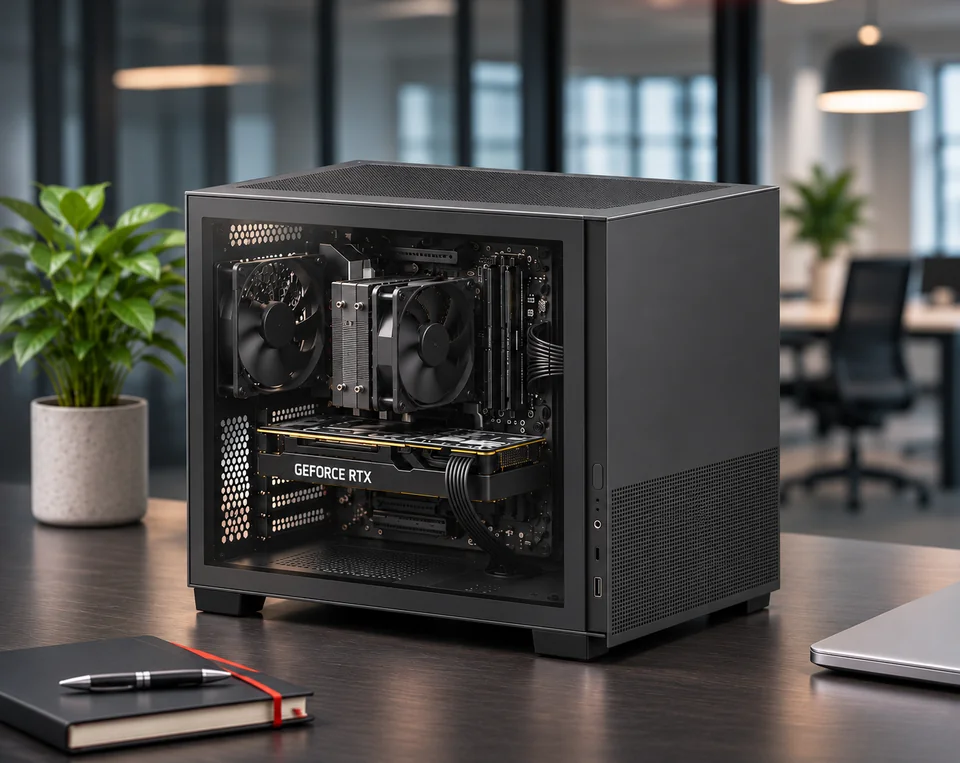
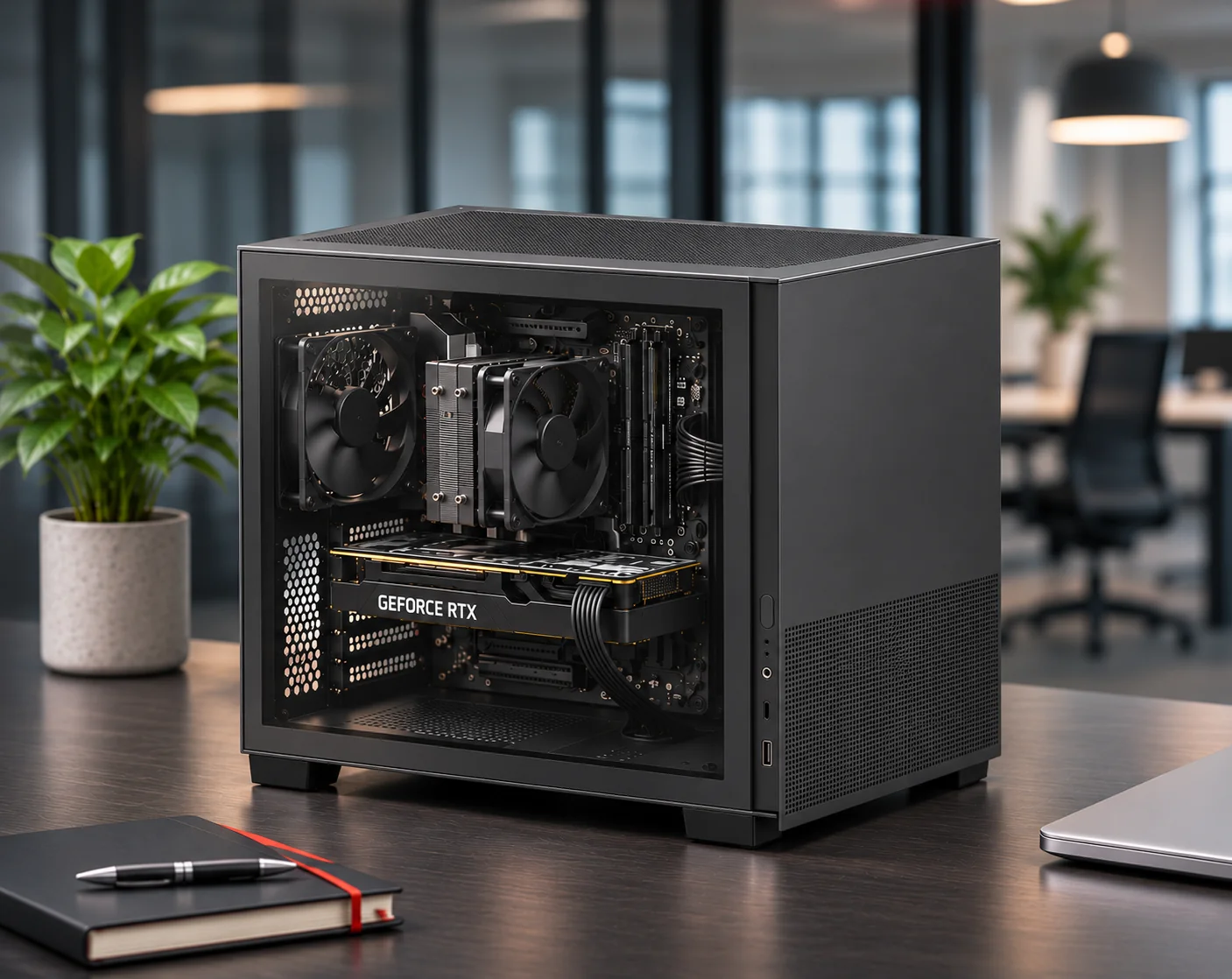
Atlas Vault is private AI for your business, running on a dedicated Atlas Tower. Your team can ask questions about company documents and get answers with sources, compare and summarize documents, research current public information when needed, create Word, Excel, and PowerPoint files, and set up Agents that take on recurring work.
Where does Atlas run?
Atlas runs on a dedicated Atlas Vault Tower installed in your business and connected to your local network by wired Ethernet. In a typical deployment, the AI that answers questions and the search that finds relevant Vault evidence run on hardware your organization controls. Authorized users open Atlas in a web browser from devices on that local network; the appliance does not need a dedicated monitor, keyboard, or mouse during normal use.
Does my company's information leave our Atlas Vault?
Your Vault documents are not uploaded to an external AI provider for core answer generation. Atlas reaches outside your network only for specific jobs: Web Research retrieves public information needed for a question; if you connect Microsoft 365, Atlas reads the information you authorize through Microsoft Graph; and Atlas Cloud handles activation, billing, account email, and software updates.
How is my company's data backed up?
Atlas Vault includes encrypted backup to a USB drive you provide and keep. Your system owner sets it up once in Atlas, saves the Recovery Sheet, and chooses a nightly backup time. Backups are encrypted, and only your Recovery Sheet can unlock them. If your Tower ever needs to be replaced, you can restore your company's information from that drive using your Recovery Sheet.
Does Atlas need an internet connection?
Atlas joins your local network by wired Ethernet. Local network access and internet access are different: if your internet connection goes down but your local network and Tower are still available, authorized users can keep working with local Vault knowledge in a web browser. Web Research, Microsoft 365, cloud-connected account or billing services, and software updates need internet access and are unavailable until it returns.
How do I add our company's documents and knowledge?
Upload documents into the Vault, organize them in familiar folders, and let Atlas index them for search and evidence-backed answers. Atlas currently supports PDF, Word, PowerPoint, Excel, CSV, text, Markdown, HTML, email (.eml), and image (PNG, JPEG, WebP) files.
Can Atlas work with an existing company file or storage location?
Yes. Atlas can index supported network storage, including common Windows file shares and compatible NAS storage, so your company can keep documents where they already live. Atlas accesses connected storage read-only, periodically checks approved locations for changes, and does not modify the original files.
How does Atlas use the web?
Atlas does not browse the web for every question. It uses Web Research when you ask for it or when a question genuinely needs current public information, then brings back public sources you can review. Quick research handles everyday questions; Deep research runs a more thorough, multi-round investigation for harder ones and takes longer.
Is Atlas a replacement for general AI tools such as ChatGPT, Claude, Grok, and Gemini?
No. General AI tools are excellent for writing, brainstorming, and broad world knowledge. Atlas is designed for a different job: helping your organization work with its own knowledge in a private, company-controlled environment, while also using general model knowledge and public Web Research when appropriate. It complements the AI tools your team already uses.
Is Atlas as fast as ChatGPT, Claude, Grok, or Gemini?
Not always. Atlas runs locally on hardware your company owns rather than hyperscale cloud infrastructure. Some requests can take longer, particularly when Atlas is searching your private Vault, researching sources, or creating a finished document. The tradeoff is an AI system that can work directly with your company's private knowledge while remaining under your control.
What are Atlas Agents?
Agents are private AI workers you set up in plain English or from a template. Each one does a job you describe, using only the sources you grant it, such as the web, your Vault, and Microsoft 365 capabilities. It runs when you click Run Now or on a schedule, reports findings with sources inside Atlas, and keeps a conversation you can continue. Agents never change company knowledge without your approval.
Can an Agent send email or take actions on its own?
Only within the approvals you set. With Microsoft 365 connected, an Agent can save Outlook drafts and propose sending an email or a reply. By default, every send or reply waits in Needs Review, shows the exact message and recipients, and runs once, only after the person whose account would send it approves. Agents never add to your Vault without approval.
Are Agents shared with my team?
No. Each Agent, its conversation, findings, and history belong only to the person who created it. Other people, including administrators, can't see or run someone else's Agent.
Which apps can Atlas connect to?
Atlas connects to Microsoft 365: Outlook mail, OneDrive, and Calendar, plus read-only access to Teams, SharePoint, Microsoft Lists, Planner, To Do, and OneNote, each turned on only if you choose. Teams, SharePoint, Lists, and Planner require a work or school account, and your organization's Microsoft administrator may need to approve access. Google Workspace, Gmail, and other services are not supported. Connected Apps are not included in the hosted trial.
What does the monthly software subscription include?
Your monthly Atlas software subscription keeps Atlas improving over time. It includes ongoing software and AI improvements, smarter research and answers, expanded Vault capabilities, improvements to Agents, and new supported capabilities as they are released. Every software capability is included in both Foundation and Pro, along with unlimited user accounts and workspaces.
How does organization-wide pricing work as my team grows?
Atlas Foundation is $149/month for your whole organization, not per employee. You can create unlimited accounts and workspaces without adding per-user AI fees. Atlas's local AI also has no per-prompt or per-token cloud AI charges. Each Tower has practical processing capacity: Foundation is recommended for approximately 25 active users, while Pro (coming soon) is recommended for approximately 50.
When will my Tower ship?
Each Tower is built to order. We estimate it ships within 1–2 weeks after purchase. That is an estimate, not a guarantee; if your Tower will ship later, we'll let you know and you can choose to wait or cancel for a full refund. See our shipping terms.
Can I return the Tower?
Yes. Request a return within 30 days of delivery. A voluntary return has a 15% restocking fee on the Tower hardware price, and you pay return shipping; original packaging is recommended but not required, as long as the Tower is packed protectively. When the return is accepted, we refund the hardware price minus the restocking fee, refund your first month of Atlas software, and cancel your subscription. A verified defective-on-arrival Tower has no restocking fee. See the Return Policy.
How do I cancel my subscription?
Your Atlas Vault system administrator can cancel at any time from Administration > Billing in Atlas. Atlas confirms the cancellation with our payment processor and shows the date it takes effect: the end of your current paid month. Your subscription stays active until then and won't renew.
Do I need an IT department to manage Atlas?
No. Atlas is designed as an appliance, not an AI development project. Connect the Tower to power and wired Ethernet, and your team accesses Atlas through a web browser on the local network. If you connect a business Microsoft 365 account, your organization's Microsoft administrator may need to approve access.
How are Atlas software and AI improvements delivered?
Atlas is designed to improve after you buy it. Software and AI updates can be delivered to your existing Tower, bringing smarter AI, better research, improved answers, broader document support, stronger Agents, and new capabilities over time. Your Atlas hardware stays in your business while the software running on it continues to evolve.
How does the 7-day trial work?
Request a trial through the website. Requests are reviewed individually; if approved, you receive an email invitation to your own Atlas Vault trial workspace, and your seven-day trial begins when you accept it. In the trial you can chat with Atlas, upload Vault documents, use Quick and Deep research, create Word, Excel, and PowerPoint files, and create and run Agents on demand. Scheduled Agents, Connected Apps, network file shares, and inviting teammates need an Atlas Tower.
Where does my trial data live?
The hosted trial runs in its own private workspace on Atlas-operated hardware, not on your premises. Please use sample or non-sensitive documents during the trial. When the trial period ends, trial access ends, and Atlas then automatically removes the trial workspace and its content from the hosted system. See Data retention for details.
Is one company's information ever accessible to another Atlas customer?
No. Atlas enforces organization and workspace boundaries for Vault knowledge and access. Your company’s content is not used to train models shared with other customers.